I just released Breakout Guardian v1.0.8 which addresses several important issues that some of you have reported over the past few days. Thank you to everyone who provided feedback and screenshots - your reports were invaluable in identifying these bugs.
📋 WHAT'S FIXED IN v1.0.8:
✅ Live vs Backtest Consistency
If you experienced differences between your backtest results and live trading (especially seeing different trade directions), this is now fixed. The strategy will now produce consistent results whether you're backtesting or trading live.
✅ Rapid Re-Entry Protection
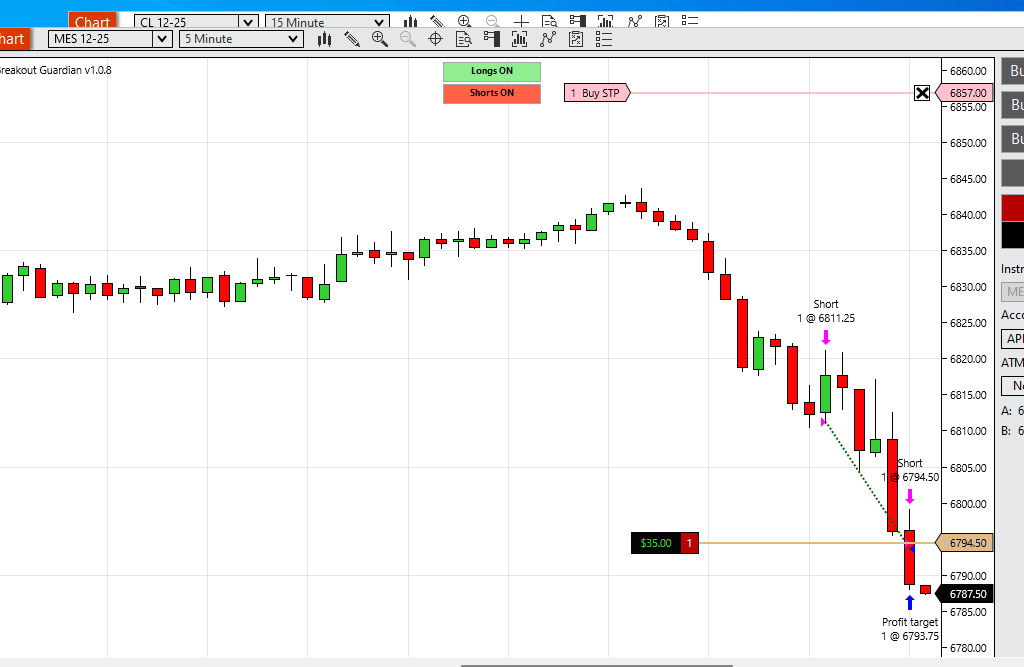
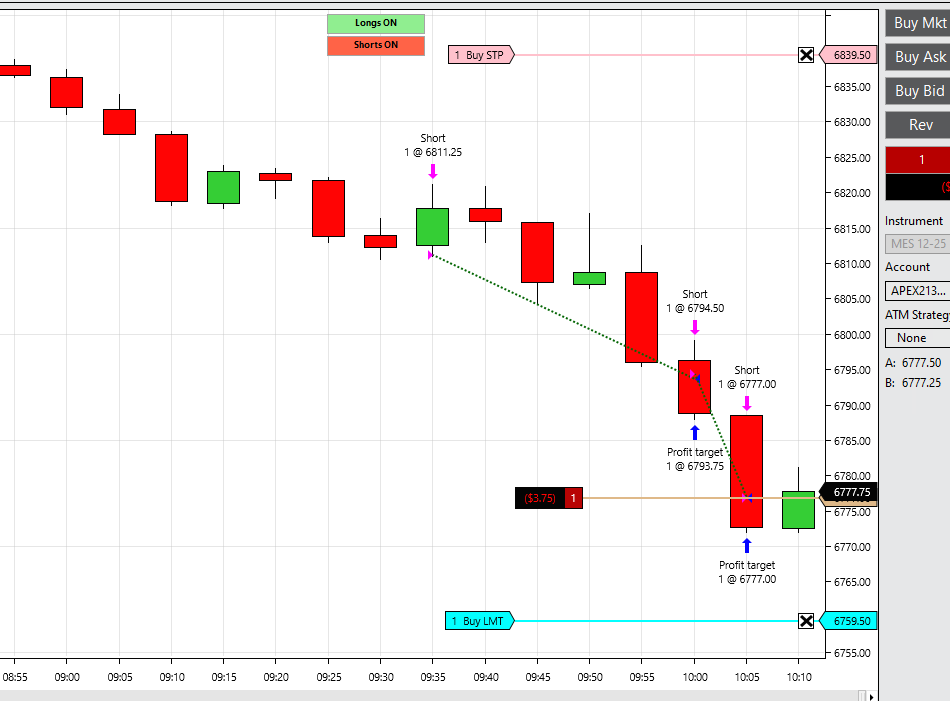
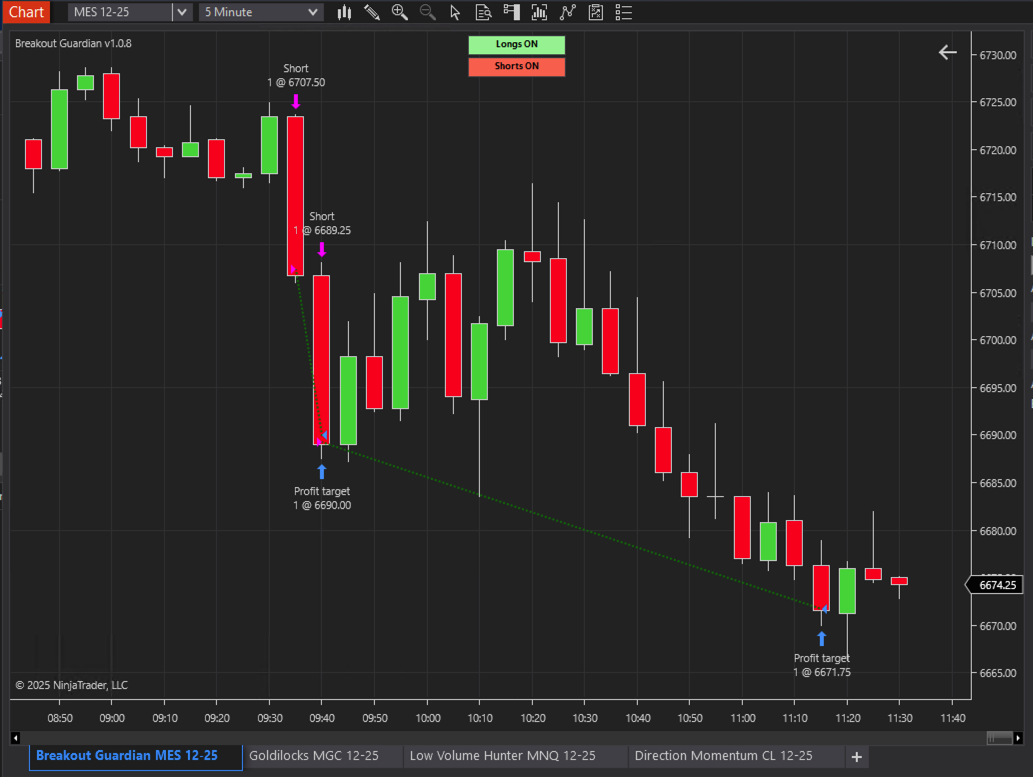
Several of you reported the strategy taking 3-4 trades in quick succession, all hitting profit targets. I've increased the wait time between trades from 1 bar to 5 bars (25 minutes on 5-minute charts). This prevents overtrading during strong trending conditions while still allowing the strategy to catch valid setups.
✅ Stop Loss Protection
Fixed an issue where the emergency "no stop order" check could trigger too quickly, before the stop order was fully submitted. The strategy now waits 2 bars after entry before checking, eliminating false alarms.
✅ Entry Logic Improvements
Consolidated the entry blocking logic to be more robust and prevent any race conditions that could allow unwanted entries.
🔄 HOW TO UPDATE:
If you're upgrading from v1.0.7 or earlier:
- Close all charts using the Breakout Guardian strategy
- In NinjaTrader Control Panel, go to Tools > Remove NinjaScript Assembly
- Find and select "Breakout Guardian" (any previous version)
- Click Remove
- Completely exit and restart NinjaTrader
- Download the new v1.0.8 ZIP file from your customer portal at futures.aeromir.com
- Go to Tools > Import > NinjaScript Add-on...
- Select the downloaded v1.0.8 file
- Click Import (click Yes to overwrite if prompted)
- Restart NinjaTrader again
- The strategy will now show "Breakout Guardian v1.0.8" in the chart label
First time installation:
- Download the v1.0.8 ZIP file from your customer portal at futures.aeromir.com
- Open the NinjaTrader Control Panel
- Select Tools > Import > NinjaScript Add-on...
- Select the downloaded strategy file
- Click Import (Yes to overwrite if prompted)
- Restart NinjaTrader
- Ready to use!
⚙️ DO YOU NEED TO CHANGE YOUR SETTINGS?
No! All your existing settings will continue to work. The fixes are internal improvements that don't require any changes to your configuration.
📊 TESTING RECOMMENDATION:
I strongly recommend:
- Run a backtest on the same data that showed inconsistencies before
- Compare the results - they should now match your live trading expectations
- The strategy should now take fewer trades overall, with better spacing between entries
🤝 PROP FIRM COMPLIANCE:
The manual control buttons (Longs ON/OFF, Shorts ON/OFF) continue to work exactly as before for prop firm compliance.
💬 QUESTIONS OR ISSUES?
If you experience any problems with v1.0.8, please post here or email [email protected] with:
- Your NinjaTrader version
- The instrument you're trading (ES, MES, etc.)
- Screenshot of your strategy settings
- Description of what's happening
Thank you again for your patience and detailed bug reports. This is exactly the kind of feedback that helps make Breakout Guardian better for everyone!
Happy Trading,
Tom